Free
£0
35 bookings a month · 6% + 30p · £5 a wedding · email confirmations
What's included · what it costs
One feature set on every plan. What changes is how many table bookings the diary takes a month, and what a guest pays on a public ticket.
No contract. Change plan any month.
The full feature list
Everything here is in every plan, Free included.
01
Venue listing and profile
A private listing you publish when it is ready.
LiveEnquiries inbox
Occasion, date, covers and contact in one thread.
LiveEnquiry to booking
Hold the space, confirm it, convert it.
LiveShared venue diary
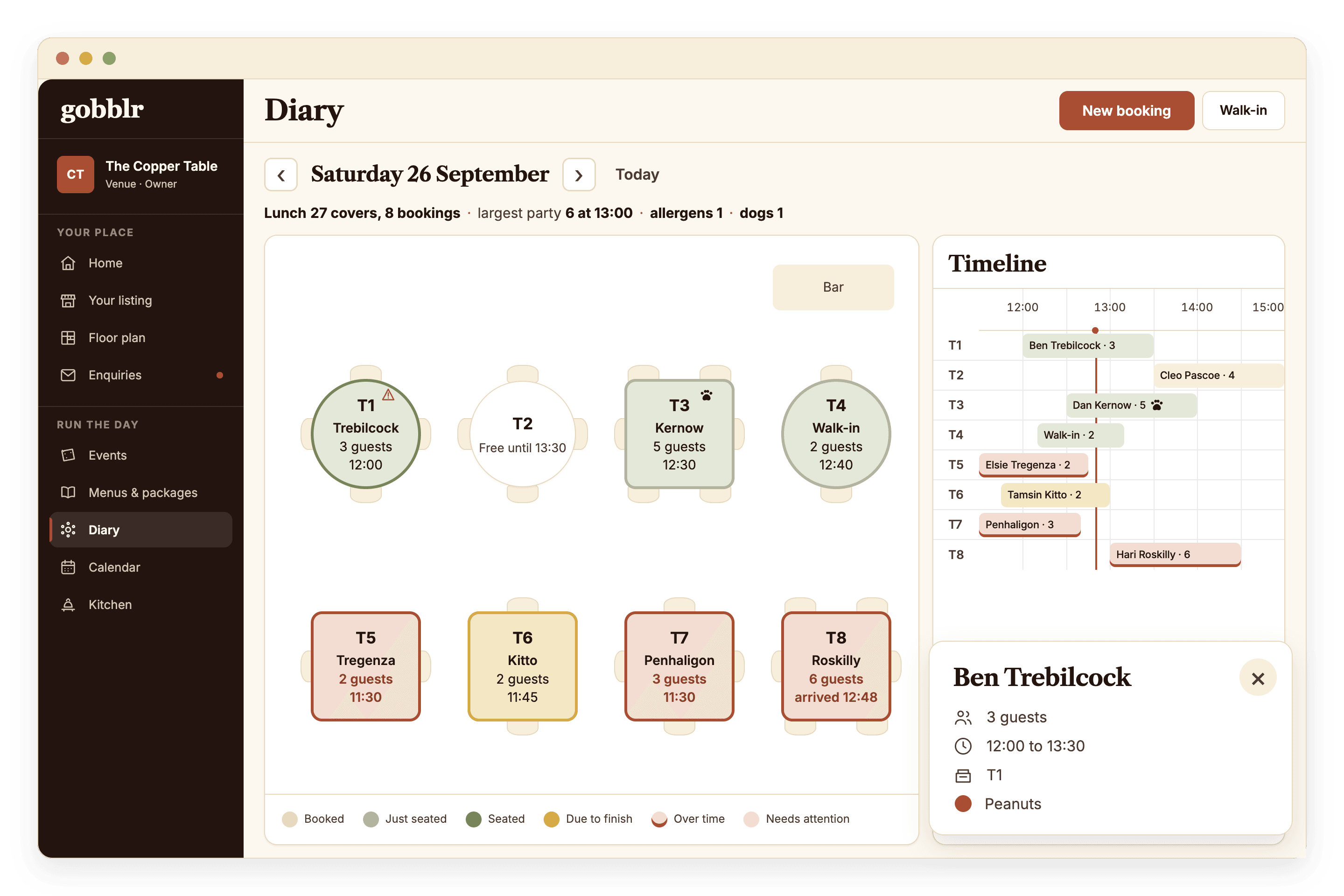
Services, reservations, group bookings, rooms, tables and notes in one view.
LiveCalendar and services
Move across dates and services, plan the week.
LiveRooms, tables and table plans
Set up rooms, arrange tables, seat guests.
Live02
Event builder
Date, time, room, menu, price, capacity and visibility.
LiveMenus and packages
Reusable menus attached to events.
LiveGuest invitations
One link or QR. No app needed.
LiveGuest list and plus-ones
See who is coming and watch the party complete.
LiveChoices, dietaries and allergens
Captured per guest, before service.
LivePayments and payout status
Deposits, balances and ticket money tied to the event.
LiveGuest account and table card
Guests keep their feasts and preferences for next time.
Live03
Guest door pass
One QR pass per guest.
LiveQR and manual check-in
Scan, key a code, undo.
LiveArrival list
Live arrived and remaining counts.
LiveEvent overview
Attendance, choices, dietaries, payments and documents in one place.
LiveKitchen preparation
Live prep counts, allergen-aware.
LiveKitchen pass sheets
Guest, table, choice and allergen in service order.
LiveProposal from an enquiry
A client-ready proposal sent from the enquiry.
PlannedThe prices
A booking is anything that sits at a table. Go past your plan's number and the diary keeps taking them. A guest is never refused a table.
| Free£0 | Basic£35a month | Plus£75a month | UnlimitedPriced on scale. Contact us. | |
|---|---|---|---|---|
| Table bookings a month | 35 | 350 | 750 | Unlimited |
| Guest fee on a public ticketPaid on top. You receive the full price | 6% + 30p | 5% + 30p | 4% + 30p | Agreed with you |
| Weddings and private events | £5 each | £5 each | £5 each | £5 each |
| Confirmations to guests | Email and text | Email and text | Email and text | |
| The whole diary | ✓ | ✓ | ✓ | ✓ |
| Start free | Get started | Get started | Contact us |
£0
35 bookings a month · 6% + 30p · £5 a wedding · email confirmations
£35 a month
350 bookings · 5% + 30p · £5 a wedding · email and text
£75 a month
750 bookings · 4% + 30p · £5 a wedding · email and text
Contact us
unlimited bookings · Agreed with you · £5 a wedding · email and text
Prices exclude VAT. No contract.
Public tickets
The guest pays the fee on top. It covers the events listing, the marketing we do for your event, and the card processing, Stripe included.
Only publishing events? Stay on Free as long as you like.
Weddings and private events
The fiver unlocks the wedding features for that event: the guest email sequence, reply checks and validations, and deposit and balance collection. Card costs are Stripe's, shown as Stripe's.
Questions
Start here
List your place, take table bookings and publish your first event today.